Submitting a ServiceNow Request to SCMS
This document provides an overview of submitting a metadata request to SCMS via the ServiceNow ticketing system.
Submitting a Request Via the ServiceNow Form (Preferred)
Where to Find the Submission Form
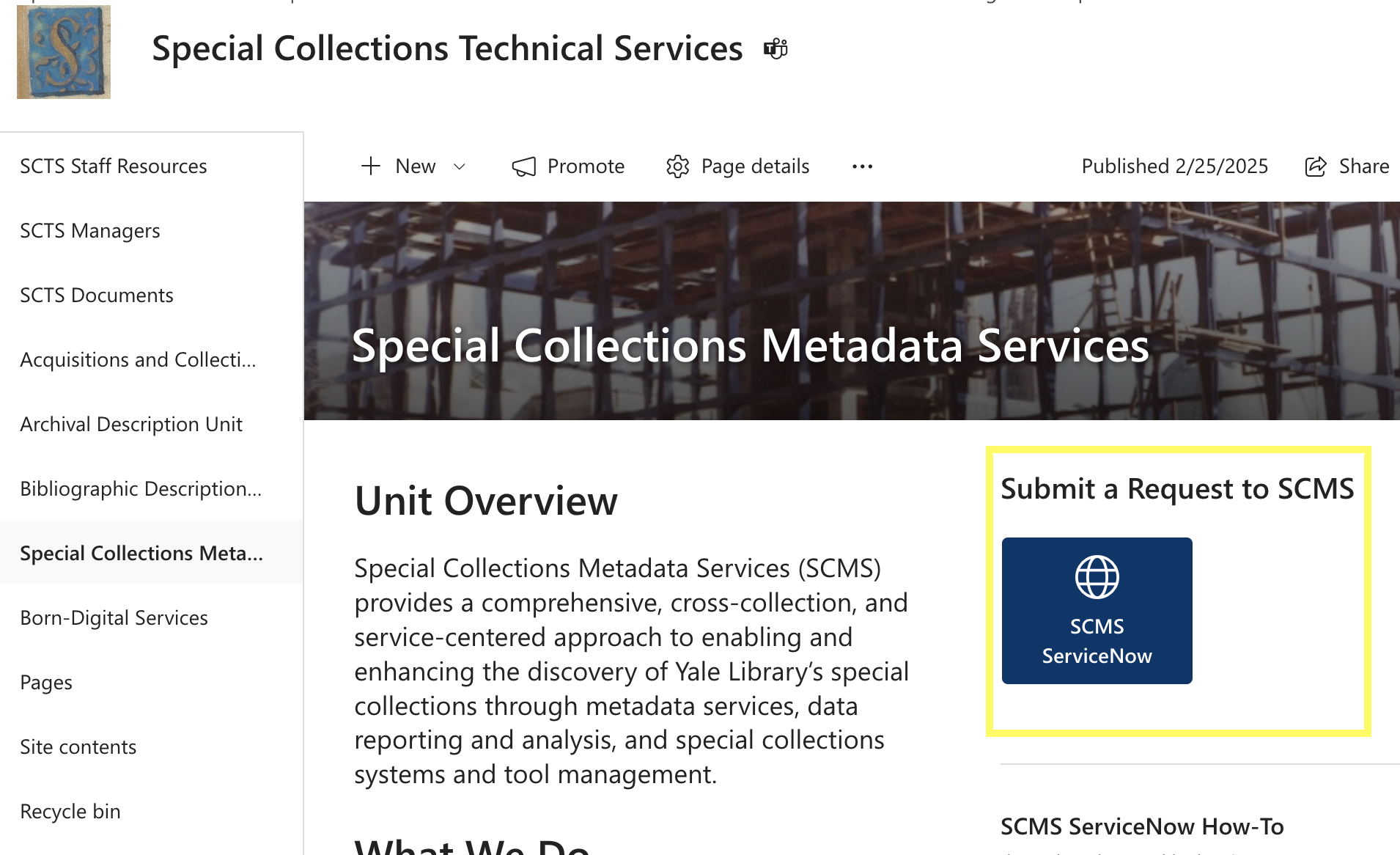
You can initiate a ServiceNow request by navigating to the SCMS SharePoint page and clicking on the ‘SCMS ServiceNow’ button on the right hand side of the page
Guide to the Submission Form
Below is an overview of the fields in the ServiceNow submission form and best practices for completing them.
Title/short description
A brief description of your request.

Request type
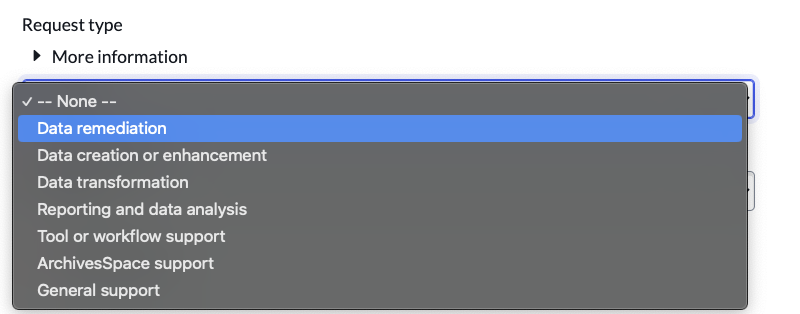
Select the type of request from the drop-down. The form includes a table with descriptions/examples of each request type. These request types are generally scoped to the services that SCMS provides. See SCMS Metadata Services for more information.
Request origin
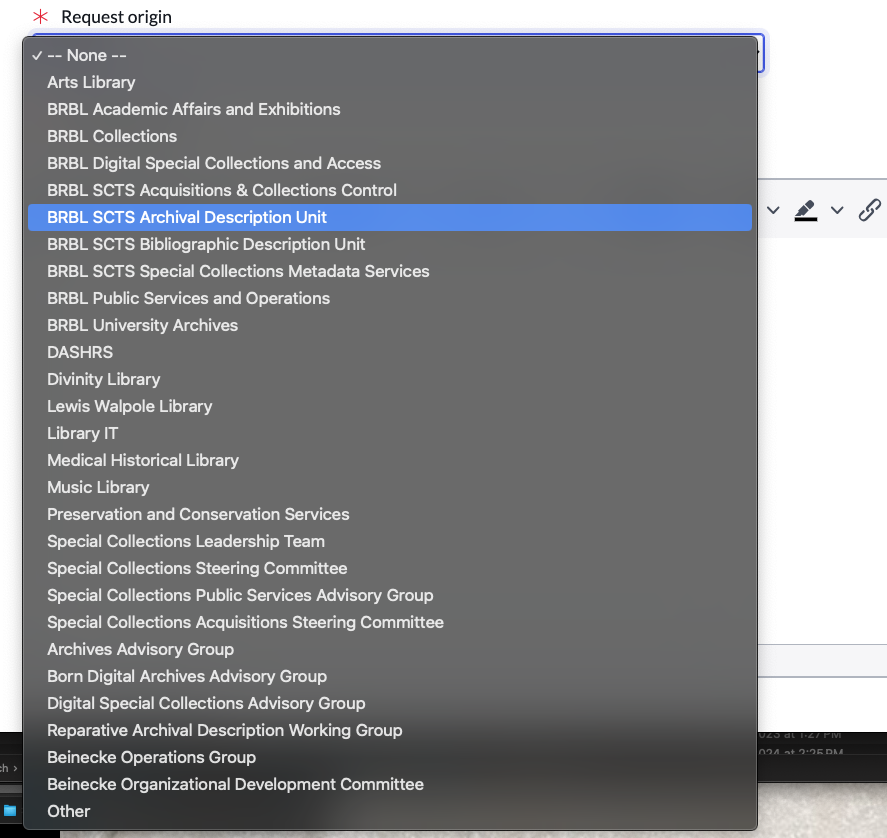
Select your department/unit from the drop-down. If you do not see your department/unit, select ‘Other’ and a free-text field will appear where you can enter your department/unit name
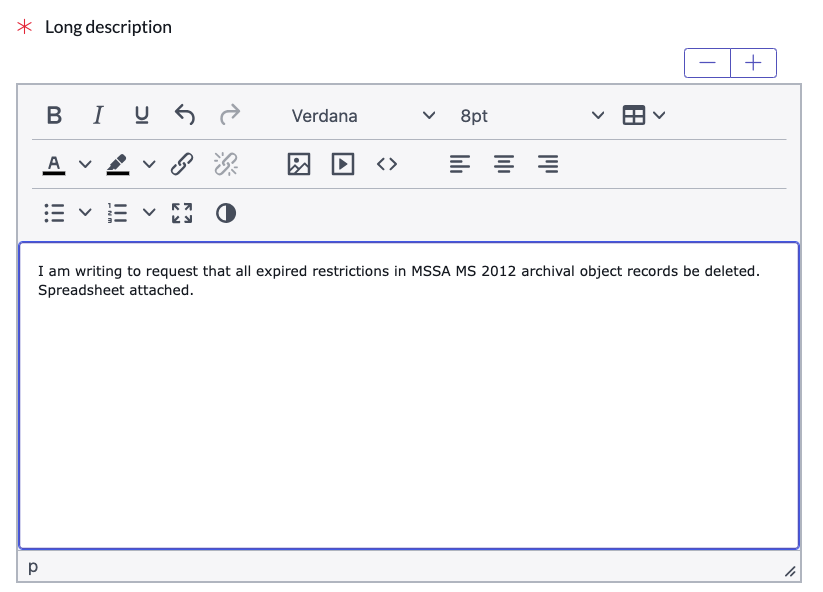
Long description
Describe your request in as much detail as possible.
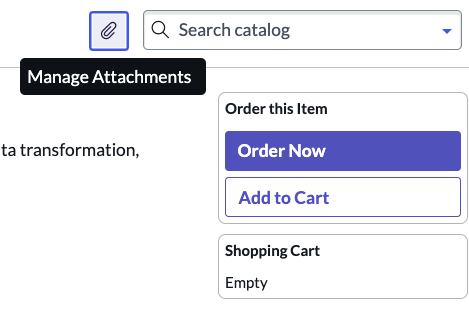
Attachments
Attach any relevant files, e.g. project plans/proposals, spreadsheets.
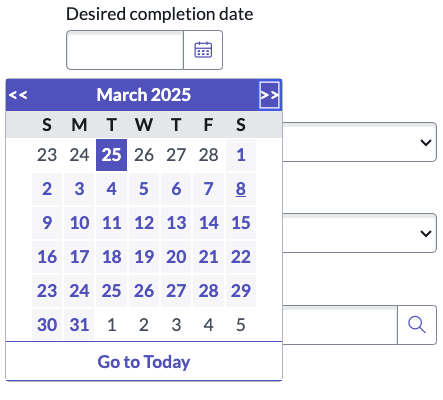
Desired completion date
Please allow at least two weeks for completion of your request. We will communicate on timeline once your request is received and traiged.
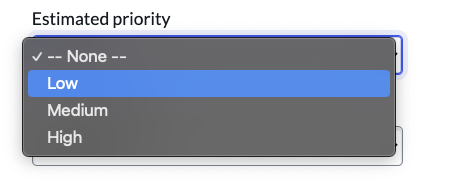
Estimated priority
This is technically an internal field, but there wasn’t any way to suppress it from the public form while retaining it on the backend. It is not required, but feel free to include it as it can be helpful for us to know your priorities. However, be aware that SCMS may update it based on our current priorities and capacity.
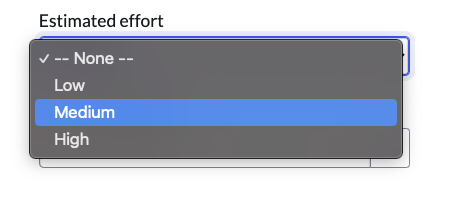
Estimated effort
This is also an internal field and not required. However you may complete it if you desire, with the understanding that SCMS may update it based on our evaluation of the work.
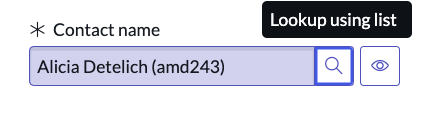
Contact name
Enter your netID in this field and your name will populate.
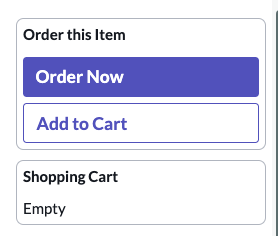
Submit request
Click the ‘Order Now’ button to submit your request
Submitting a Request Via Email
Requests can be submitted via scms.request@yale.edu. Sending an email to this address will open a ticket in ServiceNow.
Viewing your open tickets
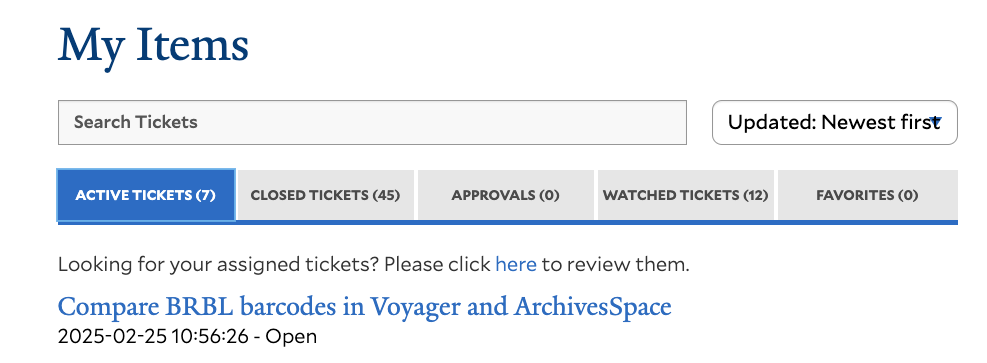
Navigate to Yale ServiceNow: My Items to view open tickets, communicate with SCMS staff, and add attachments to your tickets. You can also add colleagues (e.g. supervisor, collaborator) to your ticket’s watch list.